Commission Template
The Commission Template menu allows users to create a template to assign commissions to employees. This template can be selected when assigning commissions in the Shop menu.
Perform the following steps to create new commission templates:
Navigate to Settings à Retail Setup à Commission Template.
Select Create New Template. The New Template screen appears.
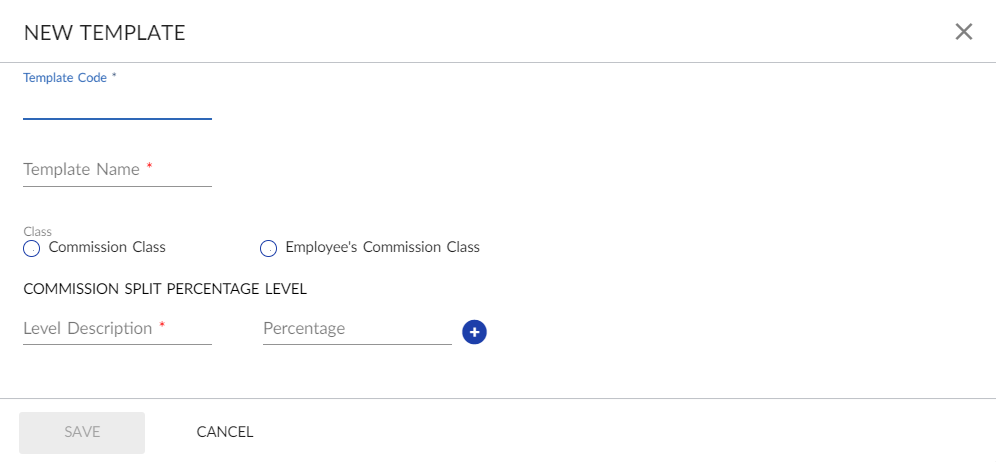
Refer to the following table and fill in the details.
|
Field |
Description |
|---|---|
|
Template Code |
A unique code for the commission template. |
|
Template Name |
The name of the template. |
|
Class |
|
|
Commission Class |
A pre-defined commission type assigned to the front desk user. |
|
Employee’s Commission Class |
When setting up a commission template, the commission calculated can be on a selected Commission Class or on the selected Employee’s Commission Class. |
|
Commission Split Percentage Level |
|
|
Level Description |
A description for the commission level. |
|
Percentage |
Pre-defined commission percentage value. |
Click Save. The new template is created.
If the VAT option is enabled in VAT configuration, users can set commissions at item level and/or revenue level on either gross or net amount.