Discount Configuration
The Discount Configuration menu allows users to setup discount values to a discount type created in the Code Setup menu.
Perform the following steps to configure discount:
Navigate to Settings à Retail Setup à Discount Configuration.
Select a discount type from the drop-down list.
Enter the discount percentage in the adjacent box.
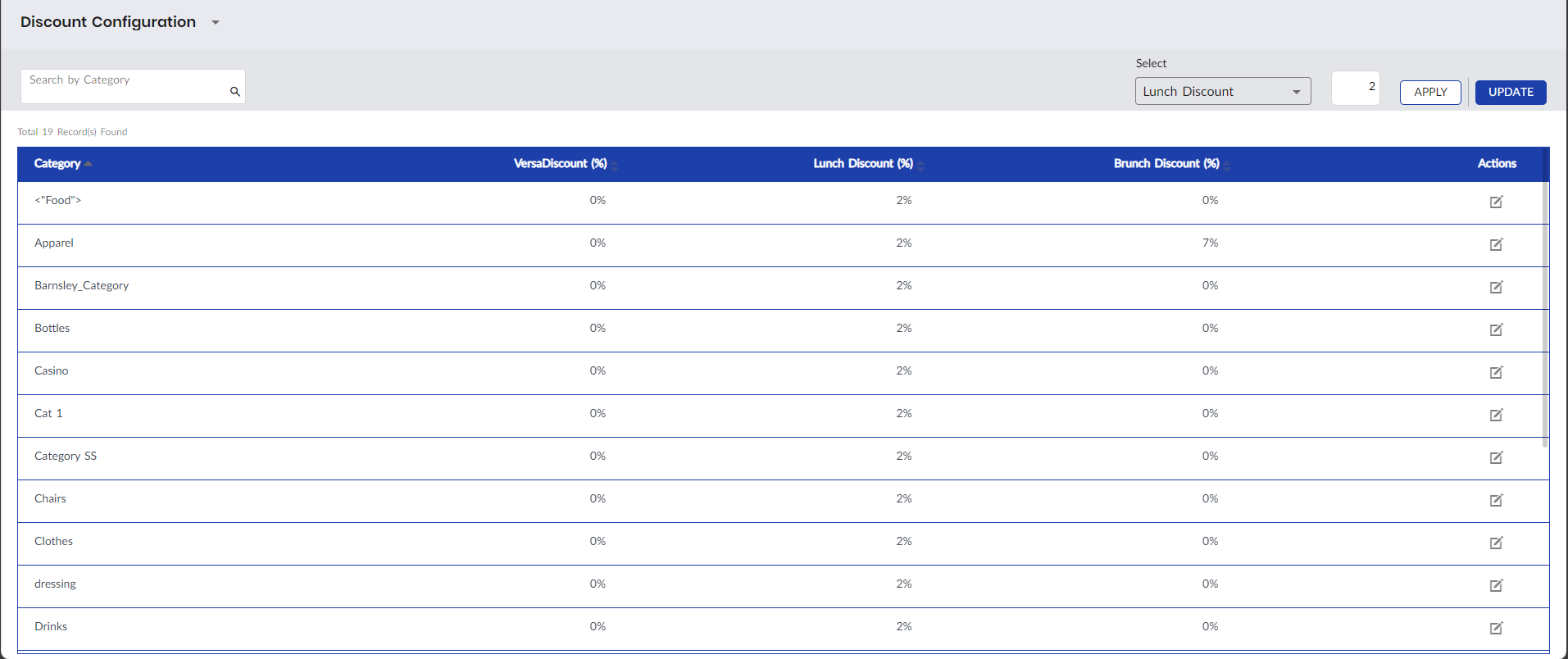
Click Apply to apply the preferred discount value to all the retail categories.
Click Update to update the value in the grid.
Users can modify the discount percentage of a particular category by clicking the Edit icon against the category.
If the VAT option is enabled in VAT configuration, users can apply discount on only the gross amount.