Comp Room Count
Report Parameters
|
Field |
Description |
|---|---|
|
Report Name |
The name of the report. |
|
Start Date |
The start date from when the data must be considered for generating the report. |
|
End Date |
The end date until when the data must be considered for generating the report. |
|
Select Building |
A drop-down list consisting of all the building codes. All building records created in the Building Codes (Settings à Setup à Room à Building Codes) screen are displayed as options in the drop-down list. Users can select multiple or all the building codes from the list to be displayed in the report generated. |
|
Include Suite Types |
When enabled, the system includes suite types in the report. |
Sample Report
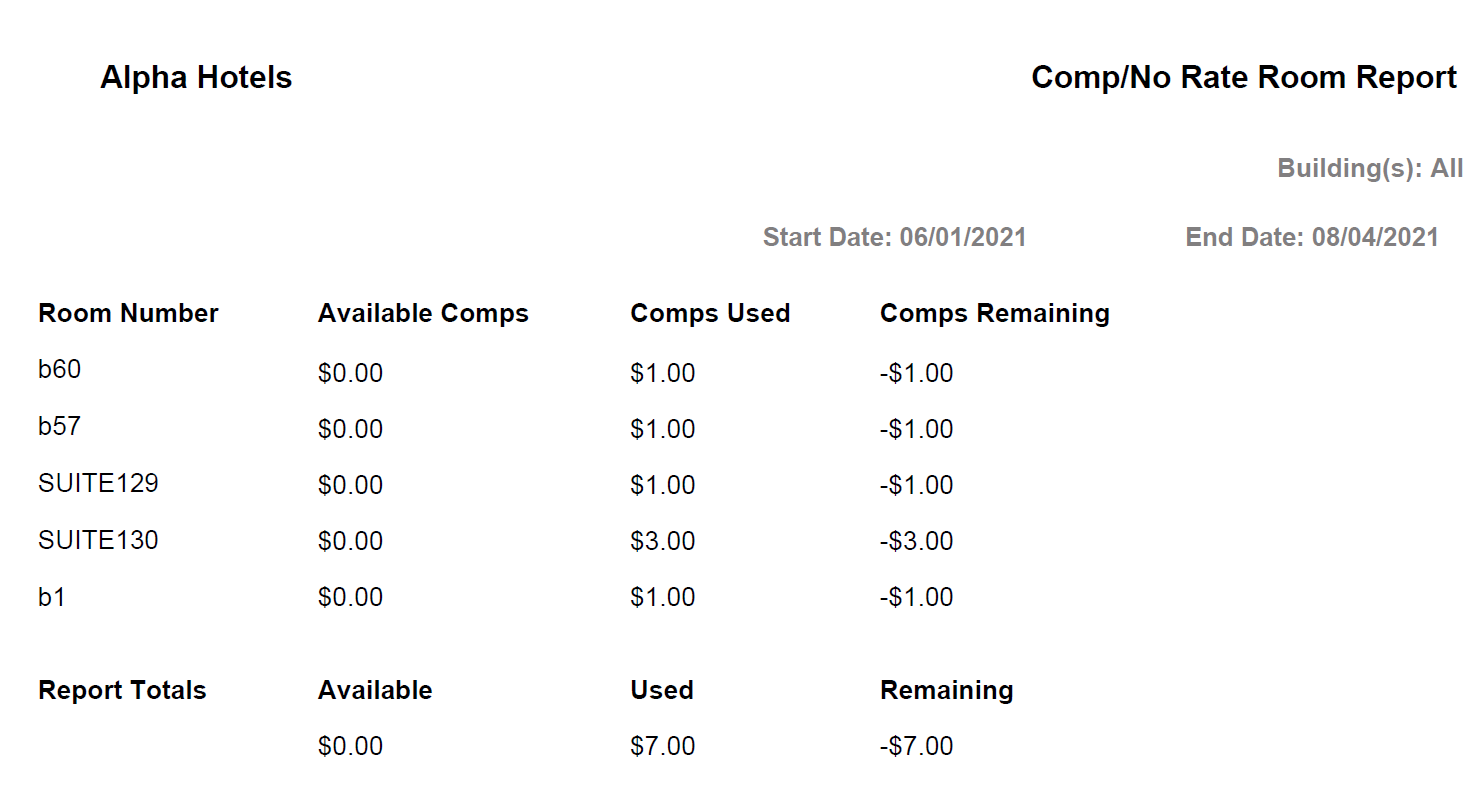
Report Fields
|
Field |
Description |
|---|---|
|
Room Number |
The room number of the guest. |
|
Available Comps |
The comp amount available for a given date. |
|
Comps Used |
The comp amount used for a given date. |
|
Comps Remaining |
The remaining comp amount for a given date. |
|
Report Totals |
|
|
Available |
The sum of all the available comp amounts for all rooms. |
|
Used |
The sum of all the comps used for all rooms. |
|
Remaining |
The sum of all the remaining comp amounts for all rooms. |