Correct/Void
Report Parameters
|
Field |
Description |
|---|---|
|
Report Name |
The name of the report. |
|
Start Date |
The start date from when the data must be considered for generating the report. |
|
End Date |
The end date until when the data must be considered for generating the report. |
|
Users |
Select preferred user(s) from the drop-down list. |
|
Include Inactive Users |
When enabled, inactive users will be included in the report. |
|
Page Break |
When enabled, page breaks are added in the report. |
Sample Report
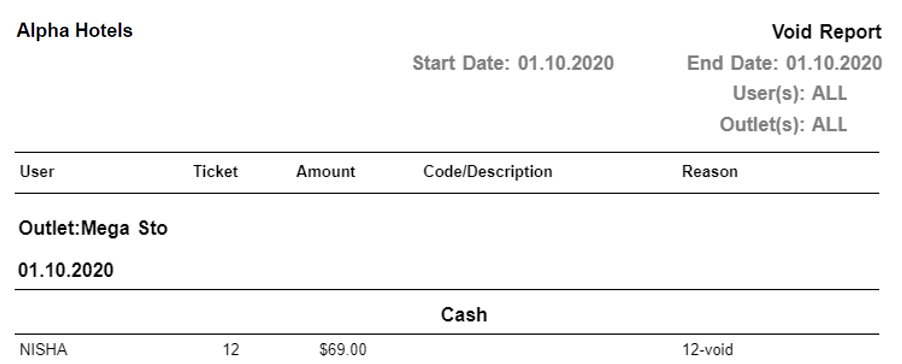
Report Fields
|
Field |
Description |
|---|---|
|
User |
The name of the user associated with the transaction. |
|
Ticket |
The ticket number associated with the void. |
|
Amount |
The voided amount. |
|
Code/Description |
The code/description associated with the transaction. |
|
Reason |
The reason for the transaction to be voided. |
|
Outlet |
The name of the outlet. |