Jaspersoft Reports
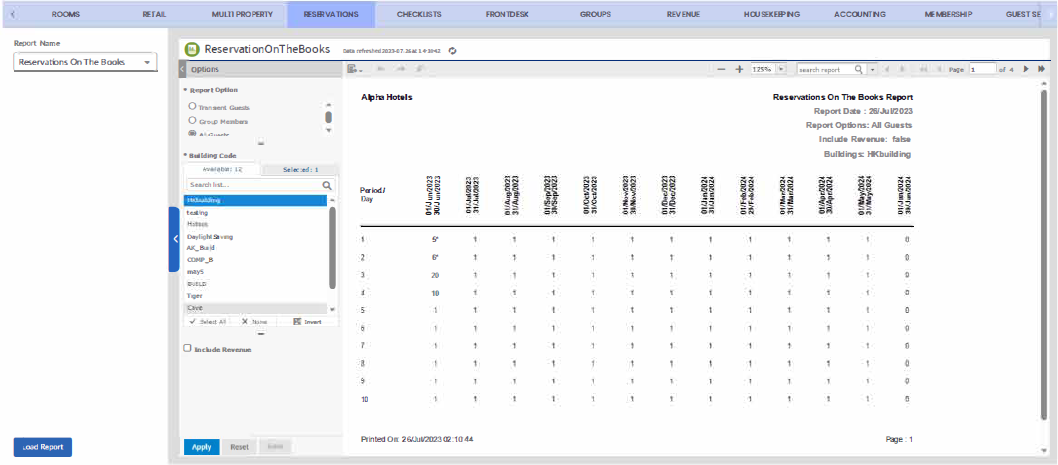
For reports in Jaspersoft view, users can navigate to the respective screen of the report and click Load Report. The report parameters will appear in the right pane in the Jaspersoft portal. Users can select the report parameters as preferred and click Apply to generate the report. There are no changes to the report parameters of existing reports that will now be displayed in the Jaspersoft view.
Breakpoint: 2315 - Jaspersoft Server (User Configuration)
Jaspersoft powered reports include:
-
Components And Charges Forecast (Revenue)
-
Restrictions (Frontdesk)
-
Foreign Currency Transaction (Frontdesk)
-
Projected In House (Reservations)
-
Current Day Housekeeping Status
Jaspersoft also supports ad hoc report designer that allows properties to create advanced custom reports and represent them in different visualization forms such as charts and tables. For more information, refer to the Ext - Agilysys Versa - Jaspersoft Custom Reporting Information Guide.