Lost and Found
Report Parameters
|
Field |
Description |
|---|---|
|
Report Name |
The name of the report. |
|
Start Date |
The start date from when the data must be considered for generating the report. |
|
End Date |
The end date until when the data must be considered for generating the report. |
|
Sort Options |
The criteria by which the data in the report must be sorted. Available options include the following:
|
|
Status |
The status (indicating the lost and found status) codes by which the data will be displayed in the report. Available options include the following:
|
Sample Report
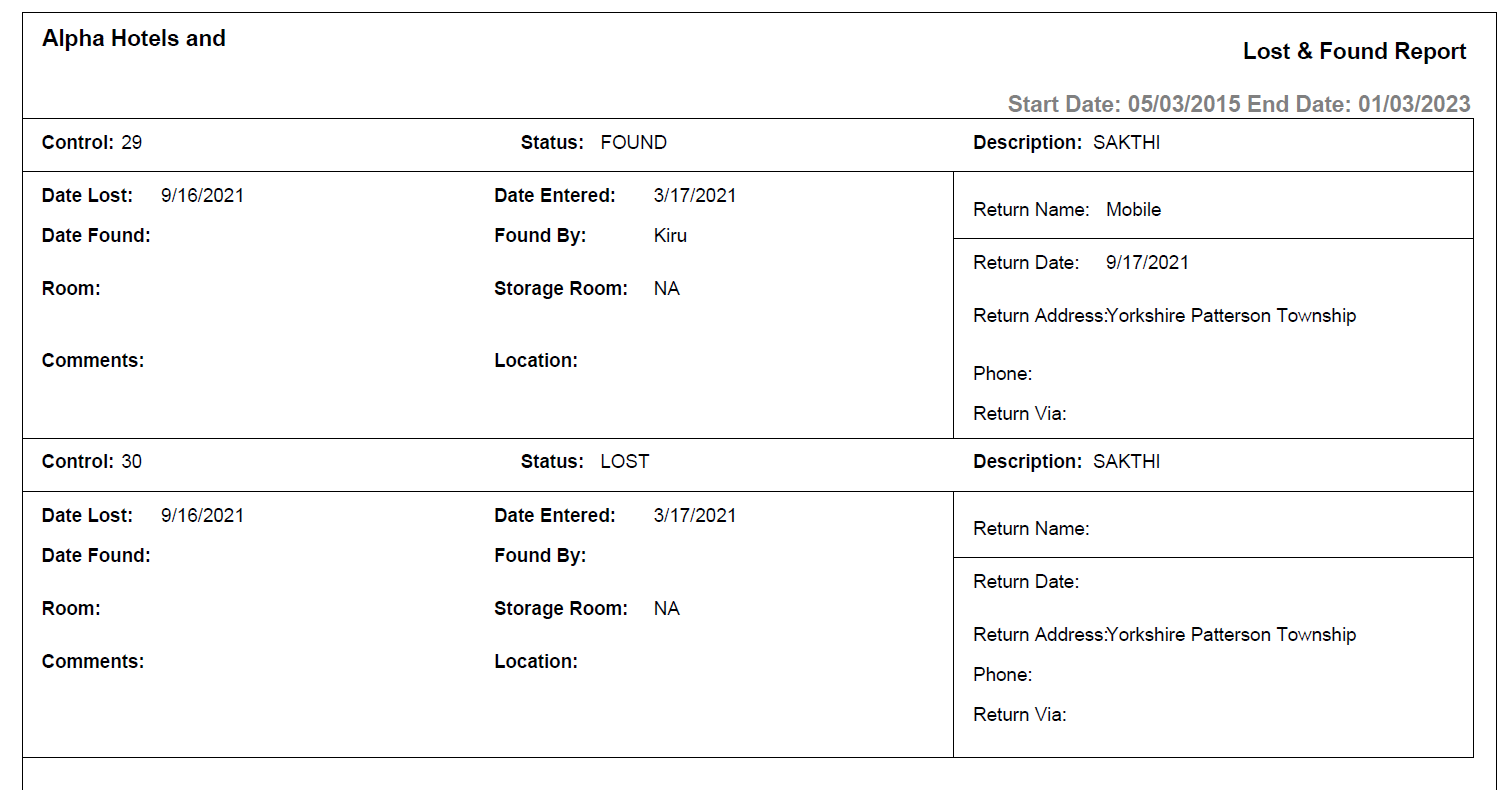
Report Fields
|
Field |
Description |
|---|---|
|
Control |
The control number of the item. |
|
Status |
The status code selected when generating the report. The value can be:
|
|
Description |
The description entered for the lost item. |
|
Date Lost |
The date the item was lost at the property. |
|
Date Entered |
The date on which a record for the item was created at the property. |
|
Date Found |
The date the item was found in the property. |
|
Found By |
The name of the housekeeping staff who found the item. |
|
Room |
The room number where the lost item was located. |
|
Location |
The location where the item was found at the property. |
|
Comments |
Comments entered by the user, if any. |
|
Return Name |
The name of the person to whom the item was returned. |
|
Return Date |
The date the item was returned. |
|
Return Address |
The residential address of the item owner. |
|
Phone |
The phone number of the item owner. |
|
Return Via |
The mode through which the item was returned. |