Room Conditions Report
Report parameters
|
Field |
Description |
|---|---|
|
Report Name |
The name of the report. |
|
Building Codes |
A drop-down list consisting of all the building codes. All building records created in the Building Codes (Settings à Setup à Room à Building Codes) screen are displayed as options in the drop-down list. Users can select multiple or all the building codes from the list to be displayed in the report generated. |
|
Room Type |
A drop-down list consisting of all the room types. Users can select multiple or all the room types from the list to be displayed in the report generated. |
|
Occupancy Status |
A drop-down list consisting of all the occupancy status codes. Users can select multiple or all the values from the list to be displayed in the report generated. The available options include the following:
|
|
Room Conditions |
A drop-down list consisting of all the room conditions. Users can select multiple or all the room conditions from the list to be displayed in the report generated. The available options include the following:
|
Sample Report
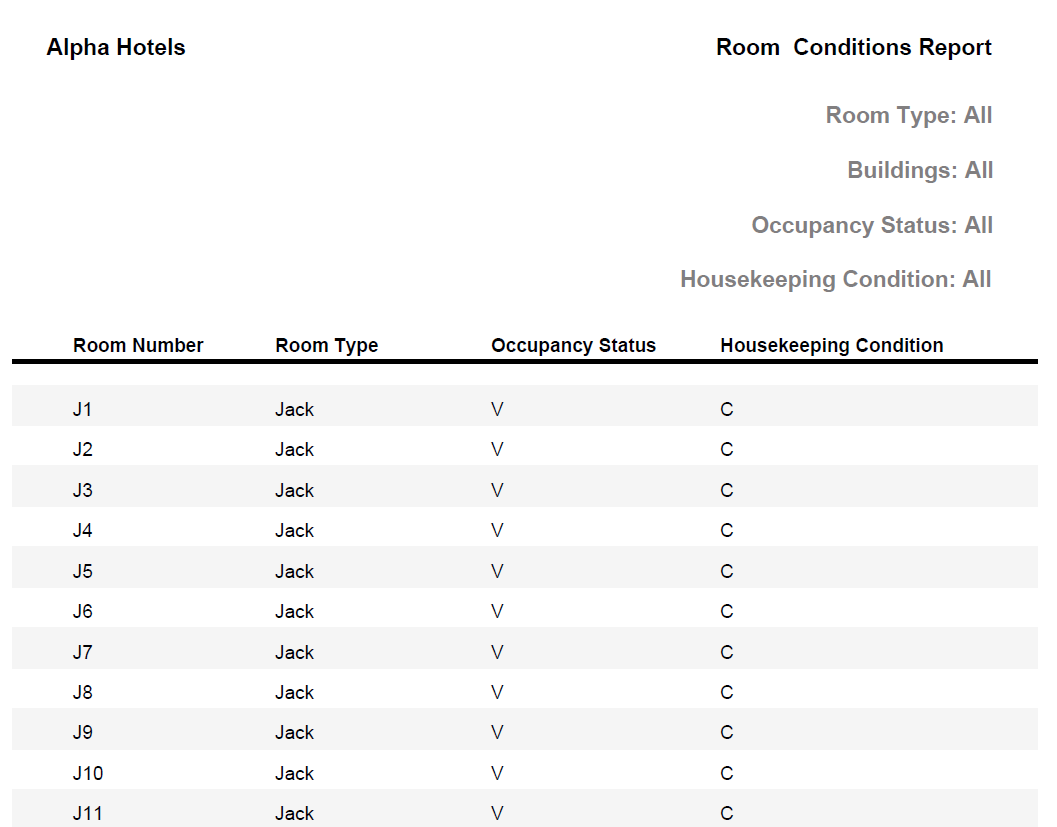
Report Fields
|
Field |
Description |
|---|---|
|
Room Number |
The room number of the guest. |
|
Room Type |
The room type to which the room number belongs. |
|
Occupancy Status |
The occupancy status of the room.
|
|
Housekeeping Condition |
The condition of the room.
|